4K IPTV Encoder: What to Verify Before Buying
Quick answer: A 4K IPTV encoder turns a 4K-capable source into an IP video stream. A 4K label on the box does not prove the entire viewer path will be 4K. Check the accepted input resolution and frame rate, encoded output, transport protocol, network, and playback hardware separately.
Read the resolution line carefully
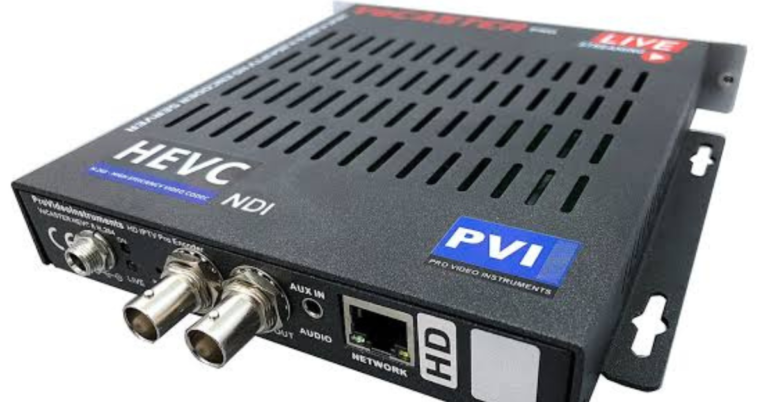
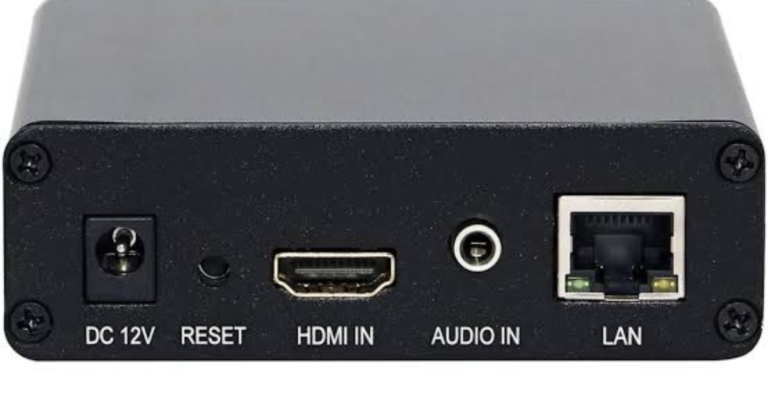
Vendors may advertise 4K input, 4K output, or both. Also distinguish 3840 x 2160 at 30 fps from 60 fps. A unit may accept one and output another. For example, PVI’s VeCASTER 4K product page states a 3840 x 2160 at 30 fps HDMI input. That figure describes that model, not every 4K encoder.
Budget for the whole stream
Higher resolution generally increases encoding and delivery demands. HEVC can help reduce bitrate at a given visual quality, but its benefit varies with content and settings. Include audio, packaging overhead, and headroom when estimating uplink capacity. Test the delivery platform under real viewing conditions instead of relying only on a short local preview.
Verify the receiving side
The player must support the stream’s codec, resolution, frame rate, container, and protocol. A TV that shows 4K movies is not automatically compatible with every live 4K IPTV feed. Plan a lower-resolution rendition for mobile or constrained networks; Apple’s HLS documentation explains alternate bitrate streams and adaptive playback.
Questions to ask before ordering
- Does the input match the source?
- Will the receiver accept the codec and protocol?
- Can the network sustain every output stream?
- Have you tested playback on the intended devices?
Frequently asked questions
Is 4K input enough for 4K IPTV?
No. The encoder output, network, platform, and player must also support 4K.
Should every 4K encoder use HEVC?
Not necessarily. Choose the codec your full system supports and test quality at the available bitrate.
For the broader distinction between encoders and playback devices, read our IPTV encoder box guide. If you only need to watch IPTV, see compatible devices and subscription plans.
Further reading: Epiphan Pearl Nano capabilities.