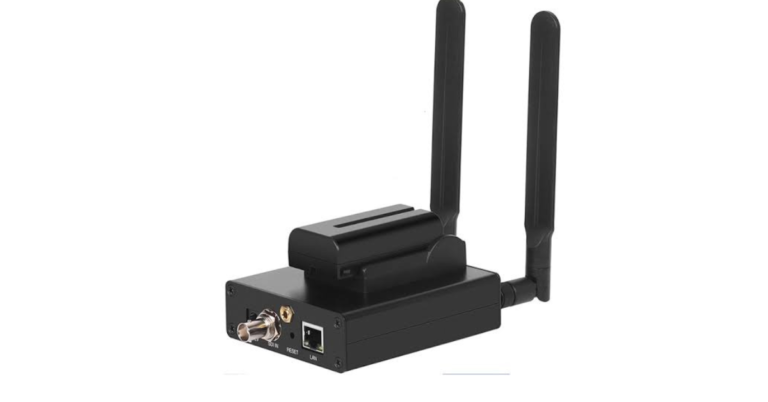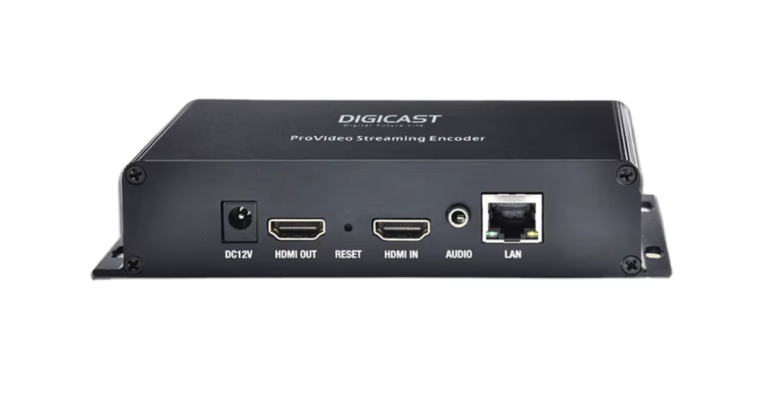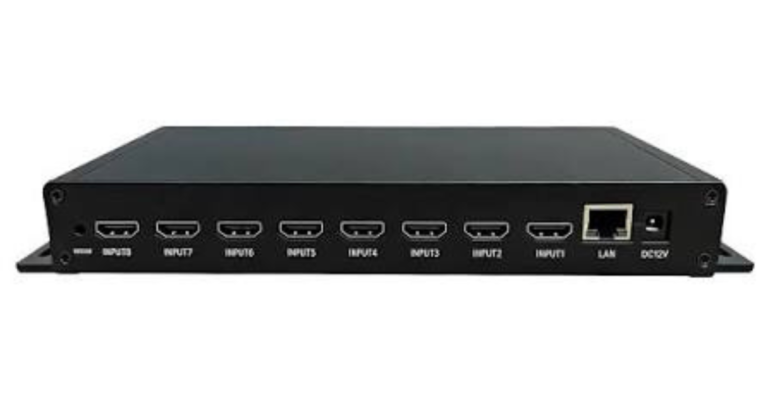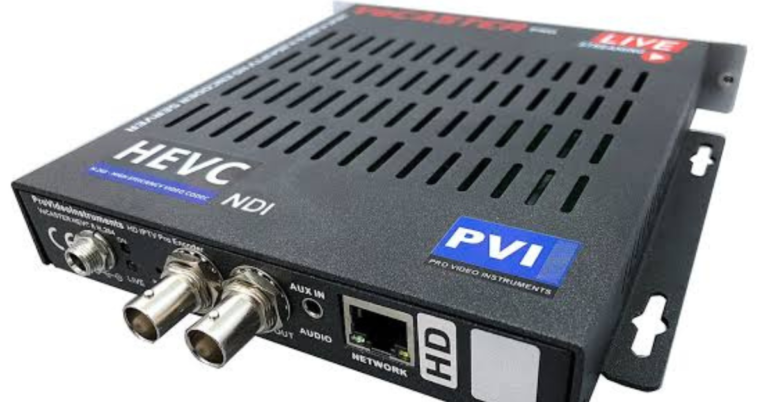
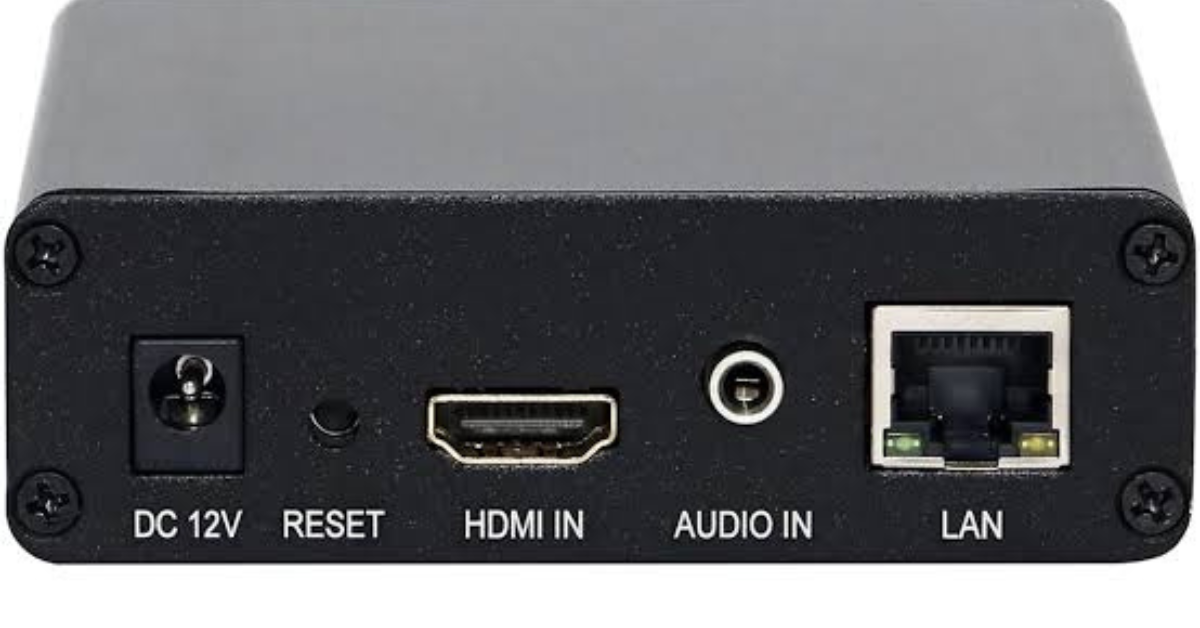
HDMI to IPTV Encoder: How to Send an HDMI Source Over IP
Quick answer: An HDMI to IPTV encoder accepts an authorized HDMI video feed, compresses its picture and sound, and sends a stream over a network. It is used at the source of a live video system. A Smart TV or IPTV app sits at the receiving end. That distinction matters: an encoder will not add television channels to a subscription.
Where the encoder fits
Connect the source to the HDMI input, configure the video and audio profile, and send the output to a receiving platform or local players. The full path is HDMI source, encoder, network, delivery system, then player. Some devices publish directly to players; others require a separate server or packager. Haivision explains the encoder role, and Apple describes the additional steps used for HLS delivery.
What to check before buying
First match the input resolution and frame rate; an HDMI label alone does not guarantee 4K or 60 fps. Then confirm output codec and protocol with your receiving app or server. Check embedded audio handling, available upload bandwidth, whether the device can monitor the live feed, and whether it can recover after a power interruption. If several HDMI sources must become separate channels, look at channel count rather than buying a single-input box.
A simple setup test
Start with a source you are allowed to distribute. Connect it to the encoder and use Ethernet for the first test. Select a conservative output profile compatible with the destination, enter its stream details, and play the resulting URL on a test device. Inspect picture, sound, lip-sync, and stability before increasing resolution or adding viewers. HDCP-protected sources may not be capturable.
Questions to ask before ordering
- Does the input match the source?
- Will the receiver accept the codec and protocol?
- Can the network sustain every output stream?
- Have you tested playback on the intended devices?
Frequently asked questions
Is HDMI to IPTV the same as HDMI to a TV?
No. An encoder creates an IP stream. A direct HDMI cable carries the source straight to one display.
Do subscribers need this device?
Usually not. Subscribers normally need a compatible playback device and app.
For the broader distinction between encoders and playback devices, read our IPTV encoder box guide. If you only need to watch IPTV, see compatible devices and subscription plans.
Further reading: Epiphan’s HDMI/SDI encoder example.