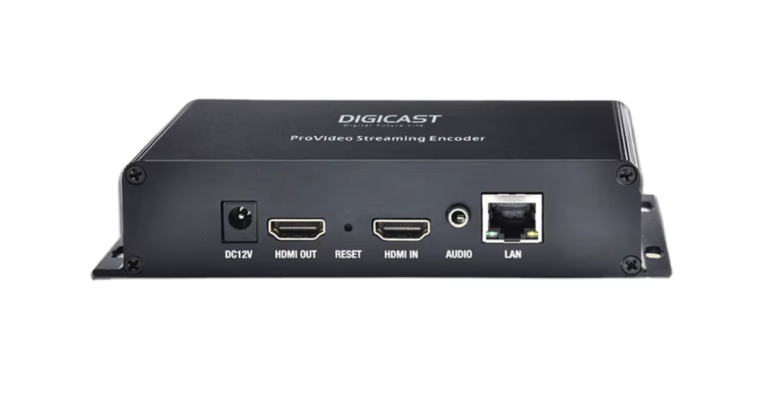
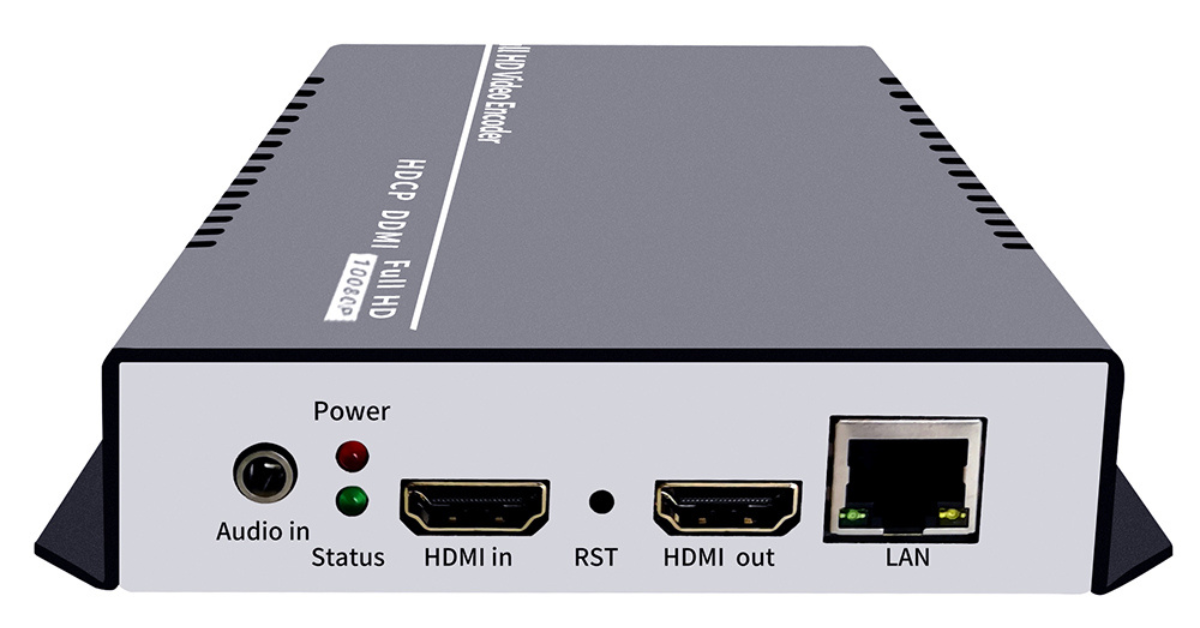
HLS IPTV Encoder: M3U8 Streams and Smart TV Playback
Quick answer: An HLS IPTV encoder prepares live video for HTTP Live Streaming, or sends a feed to a system that packages it as HLS. Viewers receive an M3U8 playlist that points to media segments. Whether a particular Smart TV plays it depends on the TV app, codec, and stream profile.
What the M3U8 file actually does
The M3U8 file is a playlist, not a video file. It lists the segment locations and, for adaptive playback, available quality variants. The player requests the playlist, then fetches media segments in sequence. Apple’s HLS documentation explains the server, distribution, and client parts of that process.
Encoder versus packager
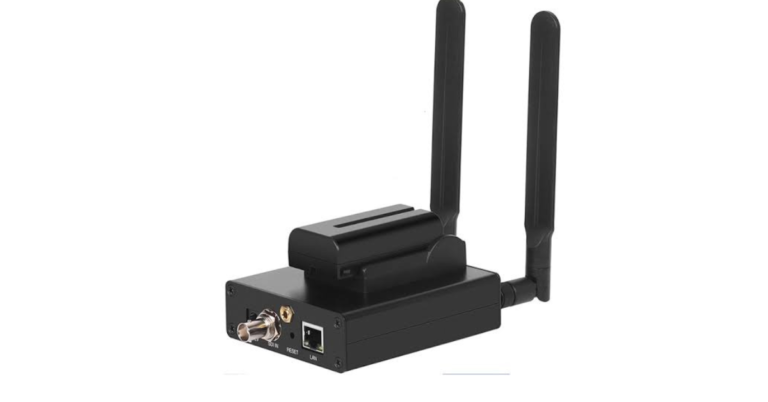
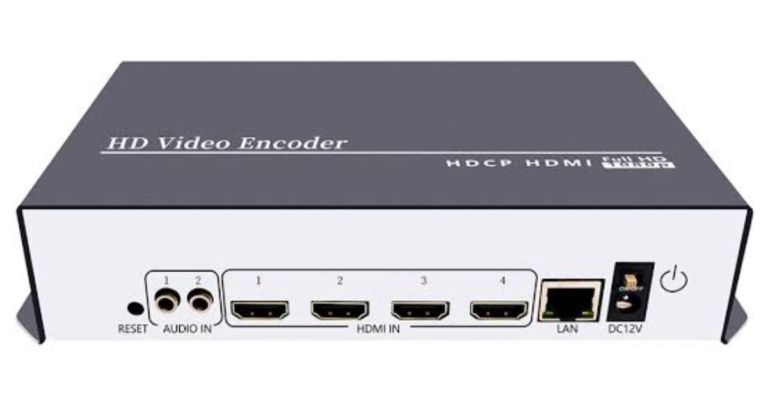
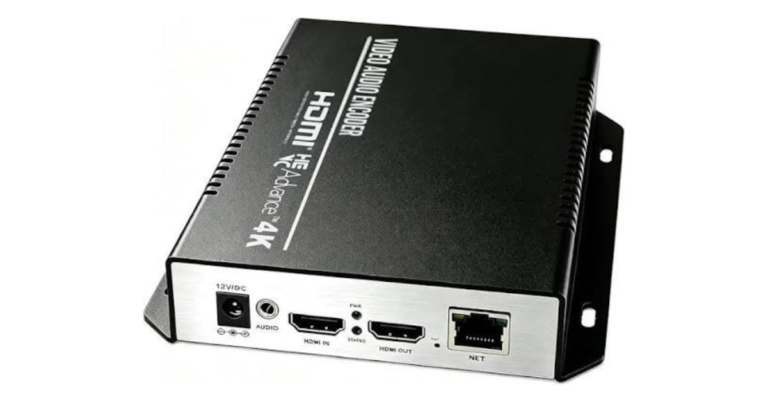
Some hardware devices output ready-to-play HLS; others send an encoded transport to a separate origin or packager. Check which workflow your product supports. A working HLS URL needs reachable segments and appropriate server behavior. If viewers are outside your LAN, also plan public access, bandwidth, and any required authentication.
Test the actual television app
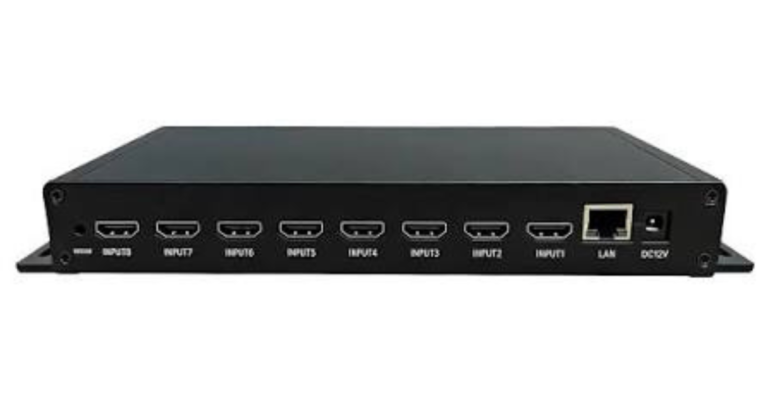
A browser test is useful but not enough. Try the intended Smart TV or set-top app with the real M3U8 URL. Check startup time, audio, resolution changes, playlist refresh, and recovery after a network interruption. If an eight-channel encoder is involved, verify that each channel exposes a distinct playlist and that the app’s channel list points to the right one.
Questions to ask before ordering
- Does the input match every planned source?
- Will the receiving platform accept the codec and protocol?
- Can the network sustain all simultaneous streams?
- Have you tested playback on the actual devices?
Frequently asked questions
Is M3U8 the same as HLS?
M3U8 is the playlist format commonly used by HLS. HLS also requires media segments and a compatible player.
Does every IPTV encoder output HLS?
No. Confirm the supported protocol list and whether HLS packaging is built in or provided downstream.
For the basic encoder-versus-player distinction, read our IPTV encoder box guide. If you simply need to watch IPTV, see compatible devices and subscription plans.
Further reading: PVI’s VeCODER support page.