SDI IPTV Encoder: A Practical Guide for Professional Video Feeds
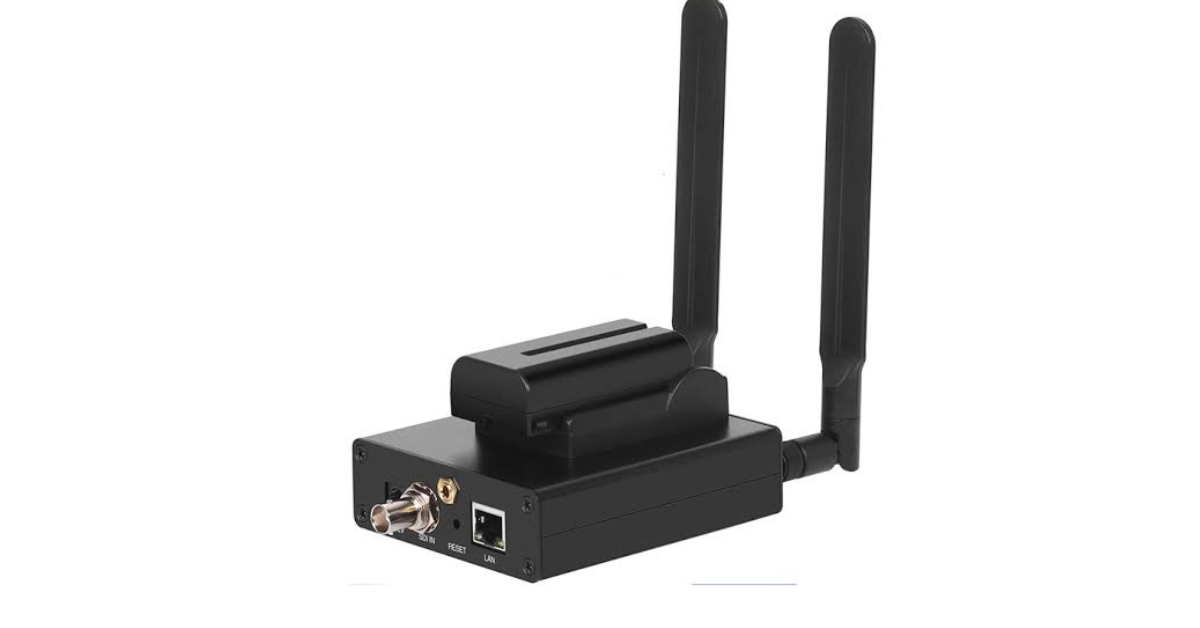
Quick answer: An SDI IPTV encoder accepts a professional SDI video feed and converts it into a compressed IP stream. It is useful when your camera, switcher, or broadcast plant already uses SDI. Buying one for an HDMI-only source adds adapters and failure points without a clear benefit.
Why choose SDI?
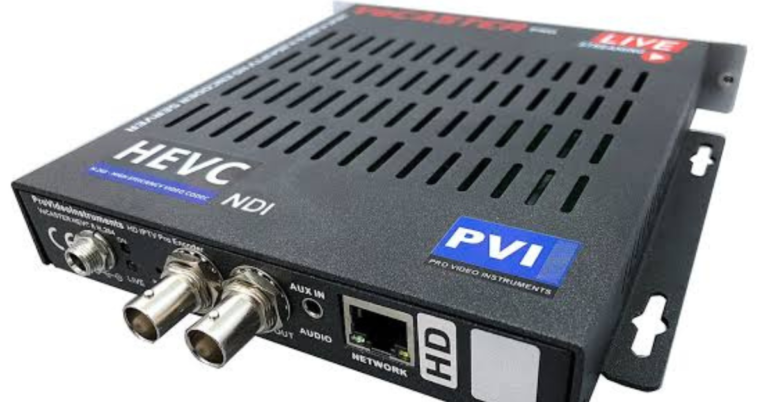
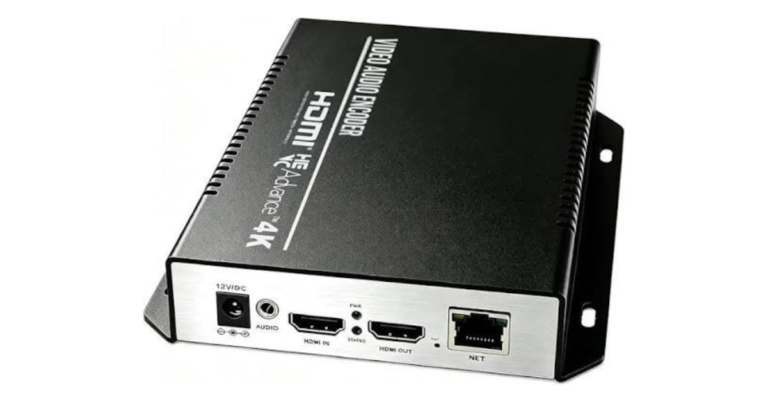
SDI is common in production environments because it fits established camera and switcher workflows. The connector alone does not tell you the supported resolution or SDI standard, so confirm the exact signal type from your source. Epiphan lists both HDMI and SDI inputs on one compact encoder, demonstrating that some devices can bridge both environments.
Plan the output separately
After capture, codec and IP transport become the key choices. Decide whether the feed goes to a remote contribution endpoint, a local multicast network, or an HLS delivery platform. An encoder with SDI input does not automatically provide the protocol your distribution system expects. The downstream player ultimately needs a compatible decoder.
Installation checklist
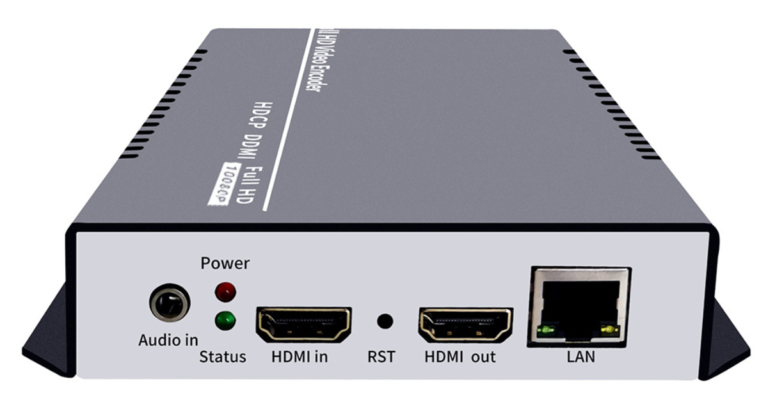
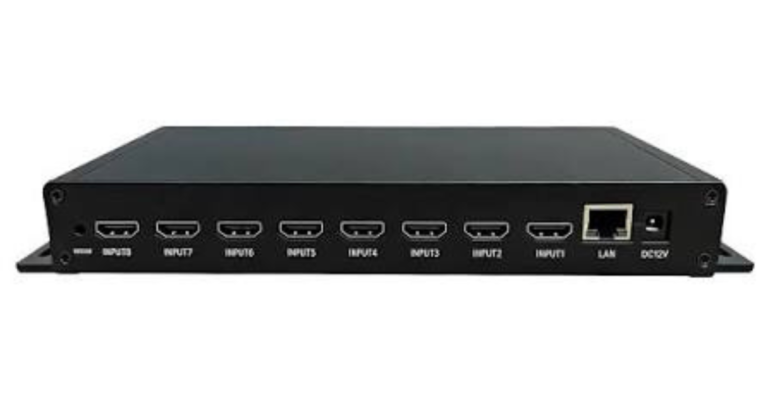
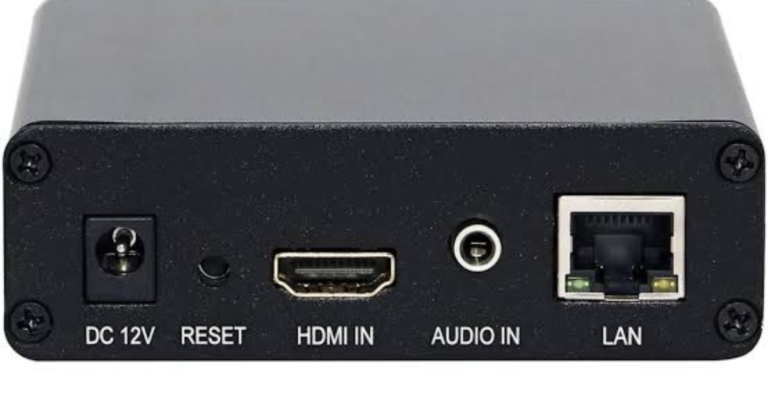
Document the source format and embedded audio; confirm the encoder input; choose H.264 or HEVC based on receiver support; select a tested output protocol; and monitor a full program rather than a few seconds. Keep a backup path if the feed is important. If you need both SDI and HDMI sources, compare a dual-input model with conversion hardware and verify which input can be active at once.
Questions to ask before ordering
- Does the input match the source?
- Will the receiver accept the codec and protocol?
- Can the network sustain every output stream?
- Have you tested playback on the intended devices?
Frequently asked questions
Can an SDI encoder also accept HDMI?
Some do, but many are SDI-only. Check the exact model’s input list.
Is SDI required for IPTV?
No. IPTV describes delivery over IP; the source may enter through SDI, HDMI, or another supported interface.
For the broader distinction between encoders and playback devices, read our IPTV encoder box guide. If you only need to watch IPTV, see compatible devices and subscription plans.
Further reading: Haivision encoder solutions.